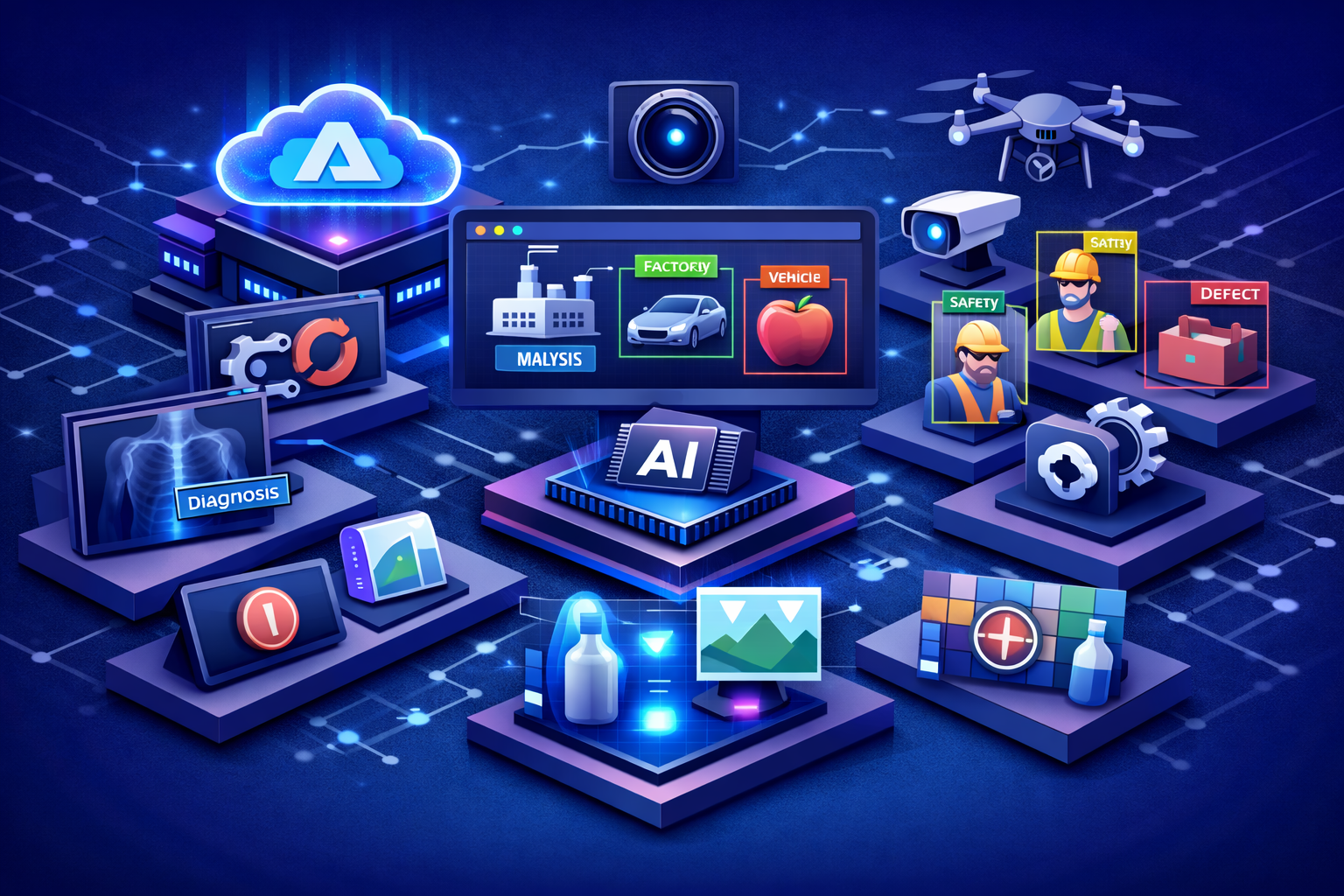
Understanding Azure AI Custom Vision
Azure AI Custom Vision is a Microsoft Azure service designed to help organizations build and improve their own custom image recognition models. Unlike prebuilt vision services that identify general objects or scenes, Custom Vision allows businesses to define their own labels and train models using images that reflect their real operational environment. This makes it especially valuable when the organization needs image intelligence tailored to specific products, defects, assets, document elements, or visual categories that generic models do not handle well.
In practical terms, Custom Vision has enabled teams to upload labeled images, train a model, evaluate performance, and deploy the resulting image classifier or object detector into business applications. That simplified workflow made it possible for development teams and subject matter experts to create useful vision solutions without building an end-to-end machine learning stack from scratch.
Why Custom Vision Has Been Valuable for Enterprises
Many industries depend on visual recognition tasks that are highly specific to their own context. A manufacturer may need to identify product defects. A retailer may need to classify shelf items. A logistics company may need to detect packaging states. A healthcare or public-sector workflow may require identifying specialized visual patterns or document elements. In these scenarios, general-purpose vision models are often not enough.
Azure AI Custom Vision has been valuable because it gave organizations a way to create fit-for-purpose image intelligence using their own labeled data. This allowed businesses to move from generic computer vision toward operationally relevant AI, where the labels, detection logic, and use cases are aligned with the actual needs of the enterprise.
Core Capabilities of Azure AI Custom Vision
Azure AI Custom Vision has focused on a set of practical capabilities that support tailored image intelligence across business scenarios.
-Image Classification: Applies one or more user-defined labels to an entire image based on its visual characteristics.
-Object Detection: Identifies and localizes labeled objects within an image by returning coordinates for the detected items.
-Custom Labeling: Allows organizations to define their own categories instead of depending only on prebuilt label sets.
-Iterative Training: Supports repeated improvement by retraining the model as new images and better labels become available.
-Web Portal and APIs: Provides both a browser-based portal and programmatic access through SDKs and REST APIs.
-Model Export Options: Supports scenarios where trained models may need to be exported for selected offline or edge-oriented use cases.
-Small Dataset Prototyping: Makes it possible to begin prototyping custom image solutions with relatively modest labeled datasets compared with traditional custom model development approaches.
Image Classification and Object Detection
One of the core strengths of Custom Vision is that it supports two common but distinct computer vision tasks. Image classification is useful when the objective is to label the entire image, such as identifying whether a product is present, whether a category applies, or whether an image belongs to a certain class. Object detection is more specific because it identifies where in the image a labeled item appears, which is critical for scenarios such as counting objects, locating defects, or detecting multiple instances of an item.
This distinction matters in enterprise design. Some business problems only require understanding the image as a whole, while others require knowing exactly where an object appears. Custom Vision has been useful because it allowed teams to choose the model type that best fit the operational need.
How Custom Vision Supports Industry-Specific Use Cases
Custom Vision is particularly relevant when the business problem is visually specialized. Many sectors work with objects, products, packaging, equipment, forms, or physical conditions that are unique to their domain. A general computer vision service may describe the scene broadly, but it may not know the precise business categories that matter to the organization.
By training on organization-specific images and labels, Custom Vision has allowed teams to align image recognition with their own terminology, workflows, and operational priorities. This makes it especially useful in domains where visual categories are business-defined rather than universally recognizable.
Key Business Use Cases
Manufacturing and Quality Inspection
Manufacturers can use custom image models to classify product states, identify visible issues, and support inspection workflows. This is especially helpful in environments where visual quality checks are repetitive and where the organization needs model labels that reflect its own product standards.
Retail and Product Recognition
Retail and commerce scenarios often involve identifying specific product categories, packaging types, shelf conditions, or branded items. Custom Vision has supported these use cases by allowing retailers to build models trained on their own catalog and store imagery.
Logistics and Asset Monitoring
Logistics organizations may need to identify package conditions, recognize labels, classify shipping assets, or monitor visual states in warehouses and distribution environments. Tailored image intelligence can help improve visibility and reduce manual review in these operational scenarios.
Field Service and Infrastructure
Organizations responsible for equipment, infrastructure, or service operations may use custom vision models to identify asset types, classify maintenance conditions, or support inspection processes based on images captured in the field. This can improve consistency and help teams work with visual evidence more effectively.
Specialized Enterprise Applications
Many enterprise use cases do not fit neatly into broad industry categories. Internal product recognition, visual workflow routing, image-based verification, domain-specific classification, and object localization can all benefit from a custom model approach when the organization needs direct control over labels and training data.
How Azure AI Custom Vision Fits into the Azure AI Ecosystem
Azure AI Custom Vision has traditionally been most useful when treated as one part of a broader Azure architecture. In many enterprise solutions, it works alongside other Azure services that manage storage, search, orchestration, monitoring, and downstream automation.
-Azure Vision: Complements custom models with broader prebuilt image analysis and OCR capabilities when generalized visual understanding is also required.
-Azure AI Search: Can use image-derived tags and metadata to improve retrieval and search experiences across image repositories and knowledge systems.
-Azure AI Foundry: Provides a broader platform context for building and governing intelligent applications that may include custom vision workflows.
-Azure OpenAI Service: Can work with vision-derived outputs in scenarios that involve summarization, explanation, or multimodal business experiences.
-Azure Storage and Data Services: Support the ingestion, storage, and lifecycle management of training images, outputs, and operational data.
-Azure Monitor, Key Vault, and Microsoft Entra: Strengthen observability, secrets management, identity, and access control in production solutions.
Training Workflow and Iterative Improvement
One of the practical benefits of Custom Vision has been its straightforward model development workflow. Teams upload images, assign labels, train a model, evaluate results, and then retrain as needed with new or improved data. This iterative loop is important because computer vision performance often depends as much on dataset quality as on the model itself.
In real enterprise environments, image conditions change over time. Lighting, angles, packaging, environments, and visual variations can all affect model performance. An iterative training process allows organizations to keep improving the model as those conditions evolve, making custom image intelligence more sustainable in production use.
Current Product Status and Planning Considerations
Azure AI Custom Vision remains an important part of Microsoft’s vision history and is still available for existing customers, but organizations should approach it with current platform planning in mind. Microsoft has announced the planned retirement of Azure Custom Vision, and customers are encouraged to plan their transition to alternative solutions well before the final retirement date. This makes architectural planning especially important for teams starting new initiatives or maintaining existing implementations.
For many organizations, this means the right conversation is no longer only how to build a custom vision model, but also how to choose a future-ready path. Depending on the scenario, alternatives may include Azure Machine Learning AutoML for custom image classification and object detection, Microsoft Foundry model-based solutions for more flexible generative approaches, or Azure AI Content Understanding for managed custom classification scenarios. Understanding this transition path is now part of responsible solution design.
Architecture Considerations for Production Solutions
A production-ready custom vision solution typically requires more than training a model. Teams should think carefully about how images are collected, labeled, versioned, validated, and integrated into business workflows. They should also consider latency, edge requirements, retraining cadence, security controls, and how predictions are used in downstream decision-making.
In many enterprise architectures, images are captured through applications or devices, stored in Azure-managed repositories, analyzed by the custom model, and then routed into dashboards, workflows, search indexes, or operational systems. The business value of the model depends not only on classification accuracy, but also on how well the surrounding architecture supports reliability, governance, and operational fit.
Best Practices for Using Azure AI Custom Vision
-Start with a Clearly Defined Visual Problem: Focus on a use case where custom labels and tailored image understanding create measurable operational value.
-Use High-Quality Training Data: Good labeling, diverse examples, and realistic image conditions are essential for useful model performance.
-Choose the Right Model Type: Use classification when labeling the entire image is sufficient and object detection when location matters.
-Plan for Retraining: Treat model improvement as an ongoing process rather than a one-time build effort.
-Design for Production Early: Consider integration, monitoring, security, and workflow impact from the beginning.
-Include Migration Planning: For long-term solutions, account for Microsoft’s retirement timeline and align new work with a sustainable future-state architecture.
Common Challenges Organizations Should Address
Like any custom AI solution, Custom Vision depends heavily on data quality and use case design. Common challenges include inconsistent labeling, insufficient image diversity, subtle visual differences, changing environments, and unrealistic expectations about model performance. Some scenarios, especially those involving very fine-grained defect detection or highly subtle distinctions, may require more advanced model strategies than a simple custom classification workflow.
Another important challenge today is platform longevity. Because Microsoft has announced the retirement of Custom Vision, organizations should balance short-term utility with long-term architecture planning. Existing solutions can continue to deliver value, but new investments should be made with a clear migration strategy in mind.
The Strategic Value of Tailored Image Intelligence
Azure AI Custom Vision has demonstrated the value of tailored image intelligence in enterprise AI. It showed that organizations do not always need a one-size-fits-all vision model. In many cases, the real business advantage comes from training AI around the organization’s own categories, products, environments, and operational definitions.
This idea remains strategically important even as platforms evolve. Whether the future solution is built with Azure Machine Learning, Foundry models, or other Azure AI capabilities, the business principle remains the same: image intelligence is most useful when it is aligned with real industry needs and operational context.
Looking Ahead
The future of custom vision on Azure is moving toward broader model flexibility, multimodal understanding, and more integrated AI architectures. Organizations increasingly want image intelligence that can work alongside retrieval, language generation, document understanding, and agent-based automation. As a result, the next generation of custom visual solutions will likely be built as part of larger intelligent systems rather than as isolated classifiers.
Azure AI Custom Vision remains a useful reference point in that journey because it established a practical model for accessible, business-driven computer vision. For enterprises evaluating image intelligence today, the opportunity is not only to understand what Custom Vision made possible, but also to use that insight to plan the next generation of tailored AI solutions on Azure.
Conclusion
Azure AI Custom Vision has played an important role in helping organizations build tailored image intelligence for industry-specific needs. By supporting custom image classification and object detection, it enabled businesses to align computer vision with their own products, workflows, and operational realities. While Microsoft has announced a retirement path for the service, the underlying business value of custom visual intelligence remains highly relevant. For organizations planning the future of image AI on Azure, the lesson is clear: the most effective vision solutions are the ones designed around real business context, strong data, and a forward-looking architecture.