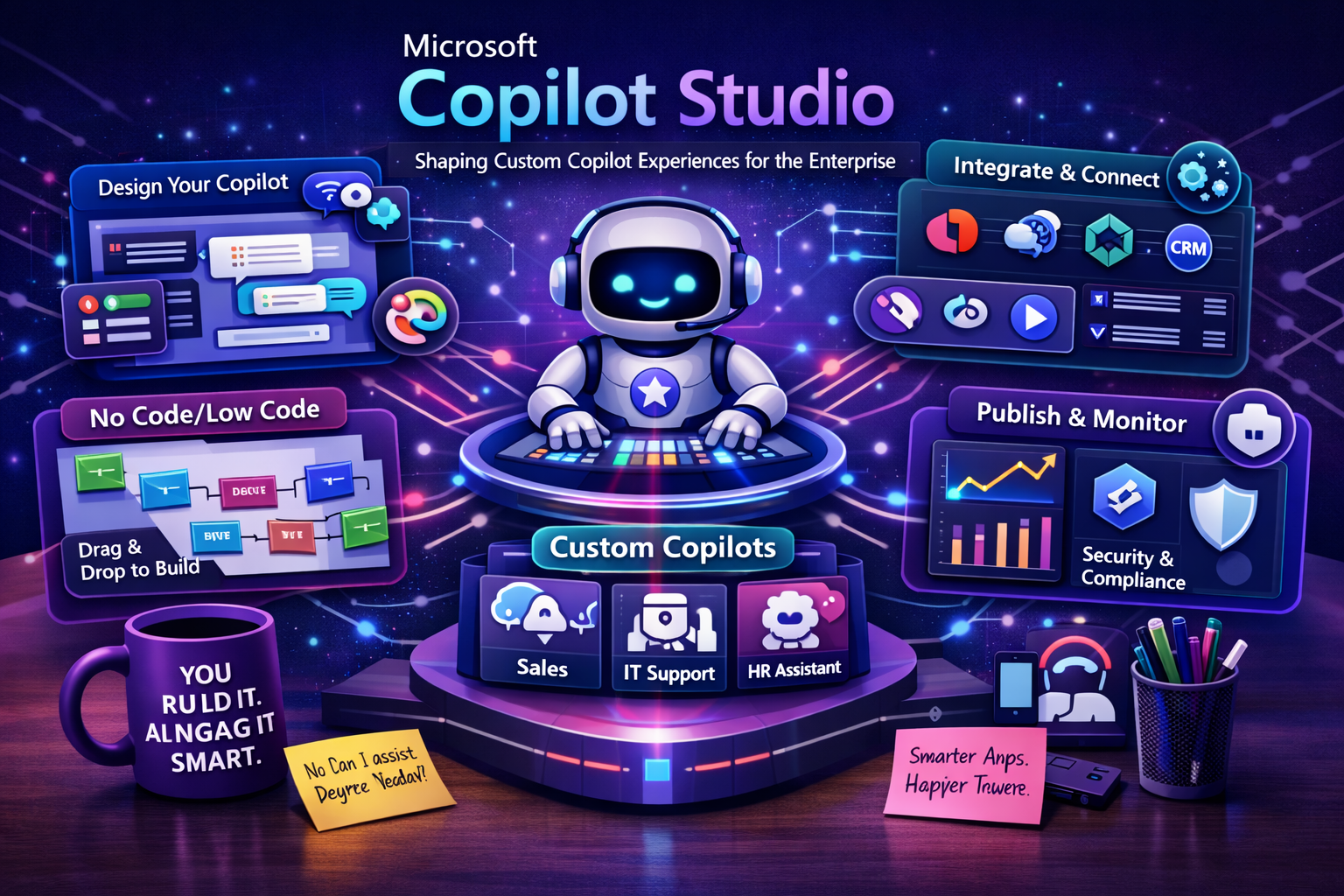
Understanding Microsoft Copilot Studio
Microsoft Copilot Studio is a low-code platform for building agents and agent-driven conversational experiences. It enables organizations to create custom copilots that can answer questions, retrieve enterprise knowledge, guide users through processes, connect to systems, and take action through workflows and integrated tools. Rather than treating conversational AI as a generic chatbot layer, Copilot Studio gives businesses a way to shape intelligent experiences around their own operational context.
This matters because enterprise AI is no longer limited to simple question-and-answer bots. Organizations increasingly want assistants that can work with internal knowledge, respond through business channels, support employee and customer scenarios, and interact with systems in a controlled way. Copilot Studio helps turn that goal into a structured implementation path by combining agent design, orchestration, publishing, and governance in one platform experience.
Why Copilot Studio Matters in the Enterprise
Many organizations already understand the value of conversational AI, but they often struggle to move from isolated pilots to business-ready solutions. The challenge is usually not only creating responses, but connecting those responses to enterprise data, workflows, permissions, and delivery channels. Microsoft Copilot Studio matters because it helps bridge that gap between AI potential and operational reality.
It allows enterprises to create custom experiences that are grounded in company knowledge, shaped by business logic, and published where users already work. This creates a more practical model for AI adoption, especially for organizations that want copilots and agents to support productivity, service delivery, operational guidance, and business automation rather than remain limited to narrow demo scenarios.
Core Capabilities of Microsoft Copilot Studio
Microsoft Copilot Studio includes several key capabilities that make it suitable for modern enterprise copilot and agent design.
-Low-Code Agent Authoring: Enables teams to design agents and agent flows through a graphical experience and natural language-driven setup.
-Knowledge Integration: Allows agents to use enterprise data, websites, files, Dataverse content, and external systems as grounding sources for more relevant responses.
-Actions and Connectors: Supports integration with business systems and workflows through prebuilt and custom connectors so agents can do more than just answer questions.
-Standalone and Microsoft 365 Publishing: Allows organizations to build standalone agents or publish them into Microsoft 365 Copilot and other channels.
-Generative and Conversational Experiences: Supports both traditional conversational patterns and newer generative, action-oriented agent scenarios.
-Governance and Administration: Helps enterprises manage agent behavior, environments, publishing, and operational controls in a more structured way.
-Extensibility Across the Microsoft Ecosystem: Connects with Power Platform, Microsoft 365, Dataverse, and broader Microsoft AI services for more complete business solutions.
From Traditional Bots to Custom Copilots and Agents
The enterprise conversation landscape has evolved significantly. Earlier chatbot projects often focused on static FAQs, decision trees, and limited conversation routing. Today, organizations expect more. They want copilots that can understand context, ground their answers in enterprise data, call actions, assist with business tasks, and sometimes coordinate more than one step in a workflow.
Microsoft Copilot Studio reflects this shift. It is not only about building a chat interface. It is about creating custom AI-driven experiences that can act as assistants, guides, and increasingly agent-like participants in business processes. This makes it especially relevant for enterprises that want to move from basic conversational design toward more useful and connected AI experiences.
Custom Copilot Experiences for Different Business Needs
One of the strengths of Copilot Studio is that it allows organizations to shape experiences around different types of users and business scenarios. A customer-facing copilot may focus on service guidance, support answers, and case-related workflows. An internal employee copilot may focus on policies, onboarding, IT support, HR knowledge, and productivity tasks. A department-specific agent may focus on finance operations, approvals, document handling, or data-driven assistance.
This flexibility matters because enterprises rarely need one universal conversational experience. They need tailored solutions that reflect how different teams work, what information they need, and what actions they are allowed to perform. Copilot Studio helps support that tailored approach without requiring every solution to be built entirely from scratch.
Knowledge Sources and Grounded Responses
A copilot becomes more valuable when it can respond using trusted organizational knowledge rather than relying only on general model behavior. Copilot Studio supports this by allowing organizations to connect knowledge sources such as websites, files, Dataverse content, Microsoft-connected enterprise data, and selected external systems. These sources help ground responses so the agent is more aligned with the organization’s actual information landscape.
This is especially important in enterprise settings where users expect reliability, relevance, and policy-aware access to information. A grounded copilot can improve the quality of support, reduce hallucination risk, and make the experience more useful in everyday work. In many scenarios, knowledge integration becomes the difference between a generic assistant and a truly valuable enterprise copilot.
Actions, Connectors, and Business Process Integration
Modern copilot experiences are increasingly expected to do more than provide information. Users want them to submit requests, retrieve records, trigger flows, update systems, and assist with business tasks directly. Copilot Studio supports this need through actions and connectors that allow agents to interact with enterprise systems and orchestrated logic.
This makes Copilot Studio especially relevant for process-oriented AI. A custom copilot can move beyond conversational support and become part of a working business process. It can help users complete tasks more efficiently, reduce navigation across systems, and create more seamless experiences between question, answer, and action.
Publishing to Microsoft 365 Copilot and Beyond
One of the most strategically important capabilities of Copilot Studio is the ability to publish agents where users already work. Organizations can build standalone agents for external channels and custom scenarios, but they can also extend Microsoft 365 Copilot by publishing agents into the Microsoft 365 environment. This helps bring organization-specific knowledge and skills into familiar employee experiences.
For enterprises, this means custom AI does not have to live in an isolated portal. It can become part of the daily workflow inside Microsoft environments such as Teams, SharePoint, and Microsoft 365 Copilot experiences. That greatly increases the practical reach of a custom copilot strategy.
Agent Flows and More Advanced Orchestration
Copilot Studio is increasingly associated with agent flows and more advanced orchestration patterns. This is important because not every enterprise AI scenario can be solved with a single-turn conversation. Some require multi-step reasoning, process guidance, approvals, system interactions, and structured execution paths. Agent flows help organizations define those more complex behaviors in a manageable way.
This positions Copilot Studio as more than a content-answering platform. It becomes a place where conversational experience, business process logic, and agent-like orchestration can come together. For many enterprises, that is a key requirement for moving from simple copilots to more capable AI assistants.
How Copilot Studio Fits into the Microsoft AI Ecosystem
Microsoft Copilot Studio is most powerful when viewed as part of the broader Microsoft AI ecosystem. It acts as a platform for shaping agent and copilot experiences, while surrounding Microsoft services provide data, automation, search, governance, and advanced AI capabilities.
-Microsoft 365 Copilot: Provides a high-value publishing destination where custom agents can extend the knowledge and capabilities available to users.
-Power Platform: Connects Copilot Studio to Power Automate, Power Apps, and Dataverse for low-code process integration and business app alignment.
-Azure OpenAI Service: Supports broader generative AI architectures that may inform or complement copilot experiences in the Microsoft ecosystem.
-Azure AI Search: Can strengthen enterprise retrieval and grounding strategies where advanced knowledge access is required.
-Microsoft Dataverse: Serves as an important business data layer for many Copilot Studio and Power Platform scenarios.
-Microsoft Entra and Administration Controls: Support access control, enterprise identity, and operational trust across deployed copilots and agents.
Governance, Security, and Enterprise Control
As custom copilots become more capable, governance becomes more important. Enterprises need to know what agents can access, what they are allowed to do, where they are published, how they behave, and how usage is controlled across environments. Copilot Studio is valuable because it supports custom copilot creation within a platform that can be aligned with broader Microsoft governance and administrative models.
This is especially important when agents work with enterprise knowledge, customer interactions, or business process actions. A strong copilot strategy must include identity, permissions, environment control, publishing governance, and monitoring of how AI is used in operational settings. Trust is one of the foundations of successful enterprise AI adoption.
Key Business Use Cases
Employee Productivity Copilots
Organizations can create copilots that help employees find internal knowledge, navigate policies, complete requests, and access business guidance more efficiently. These experiences can reduce time spent searching across systems and make organizational knowledge easier to use.
Customer Service and Support Experiences
Copilot Studio can support customer-facing agents that provide answers, guide users through processes, connect to service workflows, and improve digital self-service experiences. This is especially useful when organizations want support experiences that are more conversational and more connected to business data.
Process-Driven Business Agents
Some scenarios require more than information delivery. They require agents that assist with approvals, form completion, requests, issue routing, and other process steps. Copilot Studio supports these scenarios by combining conversational design with actions and orchestration.
Department-Specific Copilots
Enterprises can build specialized copilots for HR, IT, finance, legal operations, procurement, or project support. These copilots can be shaped around the needs of a specific team instead of forcing a one-size-fits-all enterprise assistant model.
Custom Extensions to Microsoft 365 Copilot
One of the strongest strategic use cases is extending Microsoft 365 Copilot with custom agents that expose new knowledge, workflows, and business capabilities inside the Microsoft 365 environment. This allows enterprises to make Copilot more relevant to their own operational reality.
Best Practices for Adopting Microsoft Copilot Studio
-Start with a Clear Business Objective: Focus on a user problem or operational process that will clearly benefit from a custom copilot or agent experience.
-Ground Responses in Trusted Knowledge: Use approved enterprise sources so the copilot can provide more relevant and reliable answers.
-Design for Action, Not Only Conversation: Where appropriate, connect the copilot to workflows and systems so it can help complete work, not just describe it.
-Keep Governance in Place: Define publishing controls, environment strategy, permissions, and usage boundaries early in the adoption process.
-Match the Experience to the Audience: Build different copilot experiences for employees, customers, and operational teams when their needs differ significantly.
-Plan for Scale and Iteration: Treat copilot design as an evolving capability that will improve through feedback, refinement, and broader system integration.
Common Challenges Organizations Should Address
Although Copilot Studio simplifies many aspects of custom copilot creation, success still depends on clear design and business alignment. Common challenges include weak knowledge grounding, unclear governance, poorly chosen use cases, overcomplicated flows, and assumptions that conversational AI alone will solve deeper process problems. A good copilot should be useful, understandable, and aligned with real work.
Another common challenge is designing too broadly too early. Many enterprises try to create a universal assistant before they have validated a high-value scenario. In practice, stronger results often come from starting with a focused business use case, proving the value, and then expanding with better architecture and clearer operational controls.
The Strategic Value of Copilot Studio
Microsoft Copilot Studio delivers strategic value because it gives organizations a way to shape AI experiences around their own business context rather than relying only on generic conversational interfaces. It helps enterprises connect AI to knowledge, systems, workflows, and channels that matter to the organization, which makes custom copilots more practical and more valuable.
For business leaders, this means custom copilot experiences can become more than experimental tools. They can evolve into governed, publishable, and operationally meaningful capabilities that improve productivity, support service delivery, and strengthen digital transformation across the enterprise.
The Future of Enterprise Copilots and Agents
The future of Copilot Studio is closely tied to the rise of more capable enterprise agents, better orchestration, richer knowledge integration, and stronger action-based AI experiences. As organizations move beyond basic chat patterns, they will increasingly expect copilots to assist with real work, not only information retrieval. Platforms that support this shift will become more important in the enterprise AI landscape.
Microsoft Copilot Studio is well positioned for that direction because it already combines low-code design, enterprise knowledge access, actions, flows, and Microsoft ecosystem integration. As custom copilots and agents become a more standard part of business software, Copilot Studio is likely to remain a central platform for shaping those experiences.
Conclusion
Microsoft Copilot Studio is shaping custom copilot experiences for the enterprise by giving organizations a low-code platform for building agents that can answer questions, use knowledge, connect to workflows, and publish across Microsoft and external environments. It helps businesses move beyond generic chat experiences toward AI assistants that are more grounded, more useful, and more connected to real operational needs. For organizations looking to build custom copilots with stronger business relevance and enterprise alignment, Microsoft Copilot Studio represents a powerful and increasingly strategic platform.